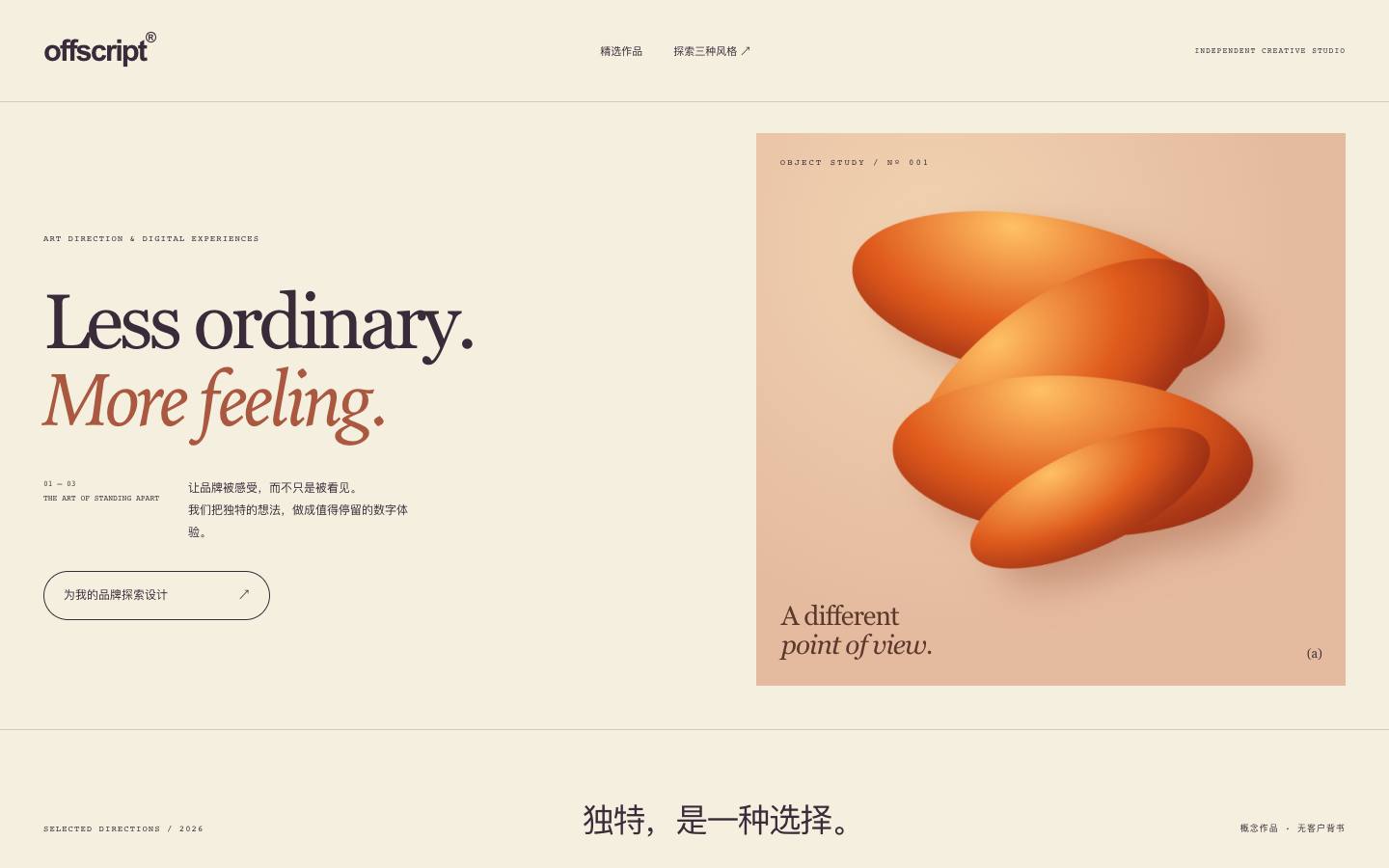
 A
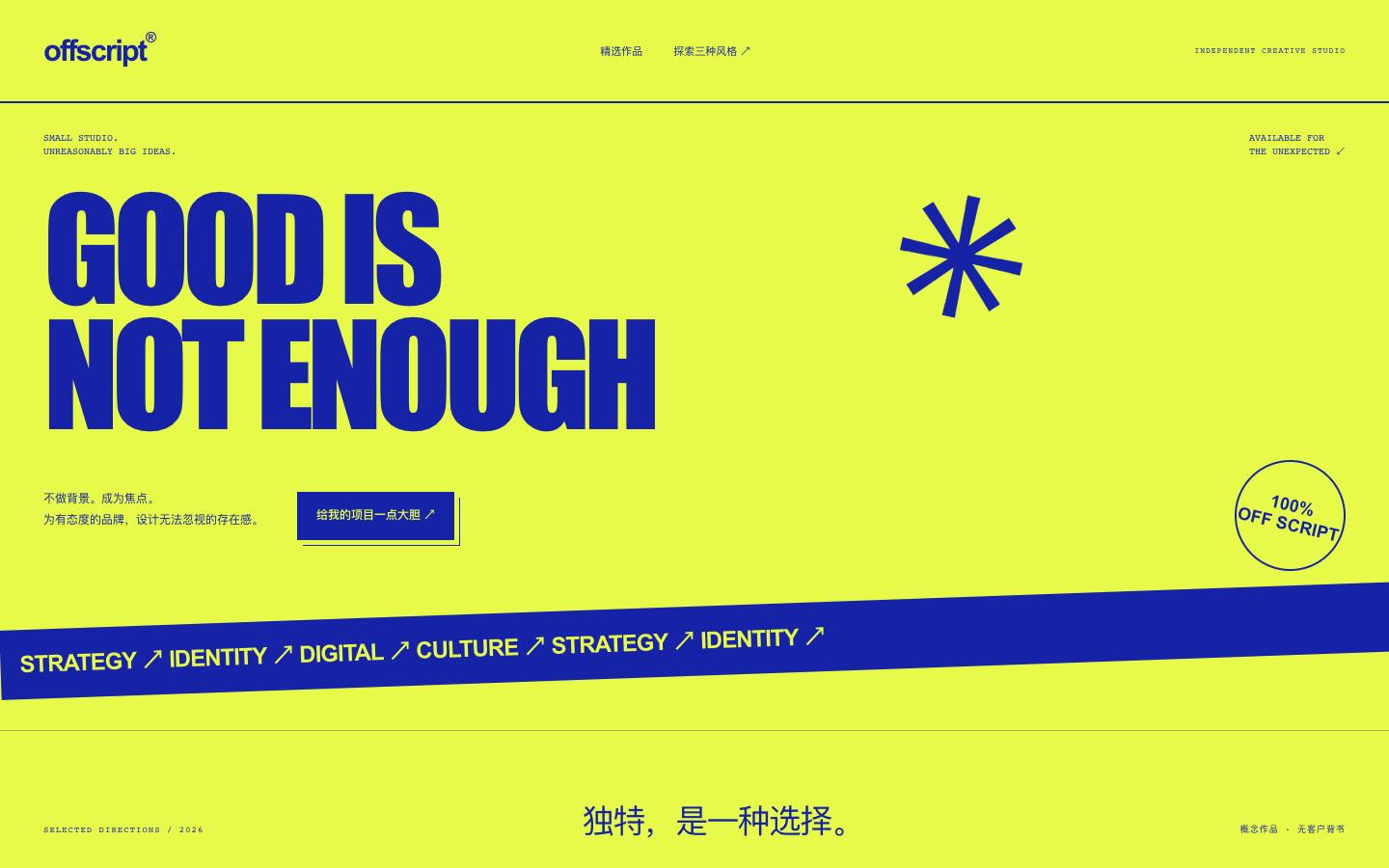 B
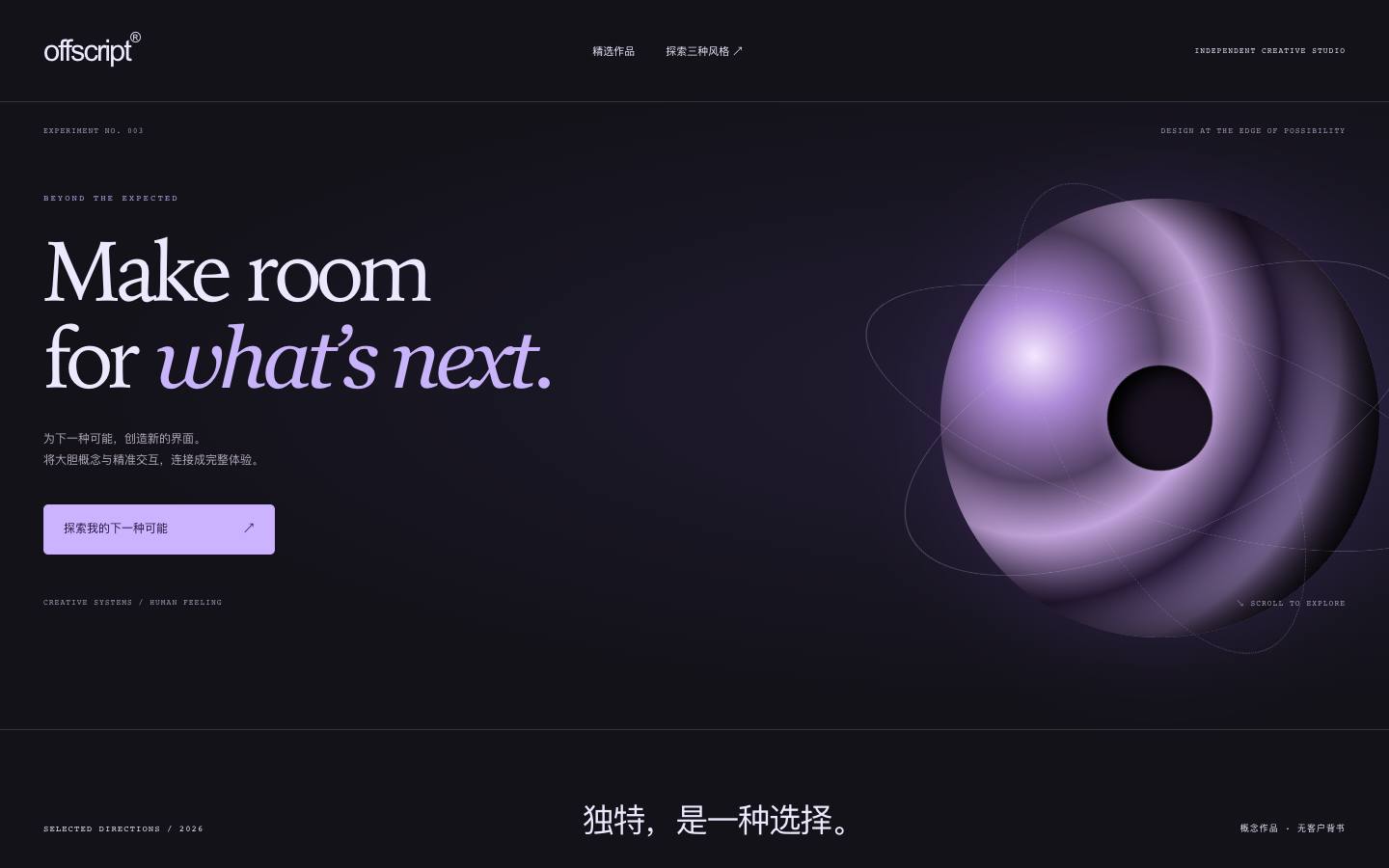 Coffscript: one brand, three personalitiesOne independent creative studio, introduced in an editorial, an unconventional and a future-facing voice.
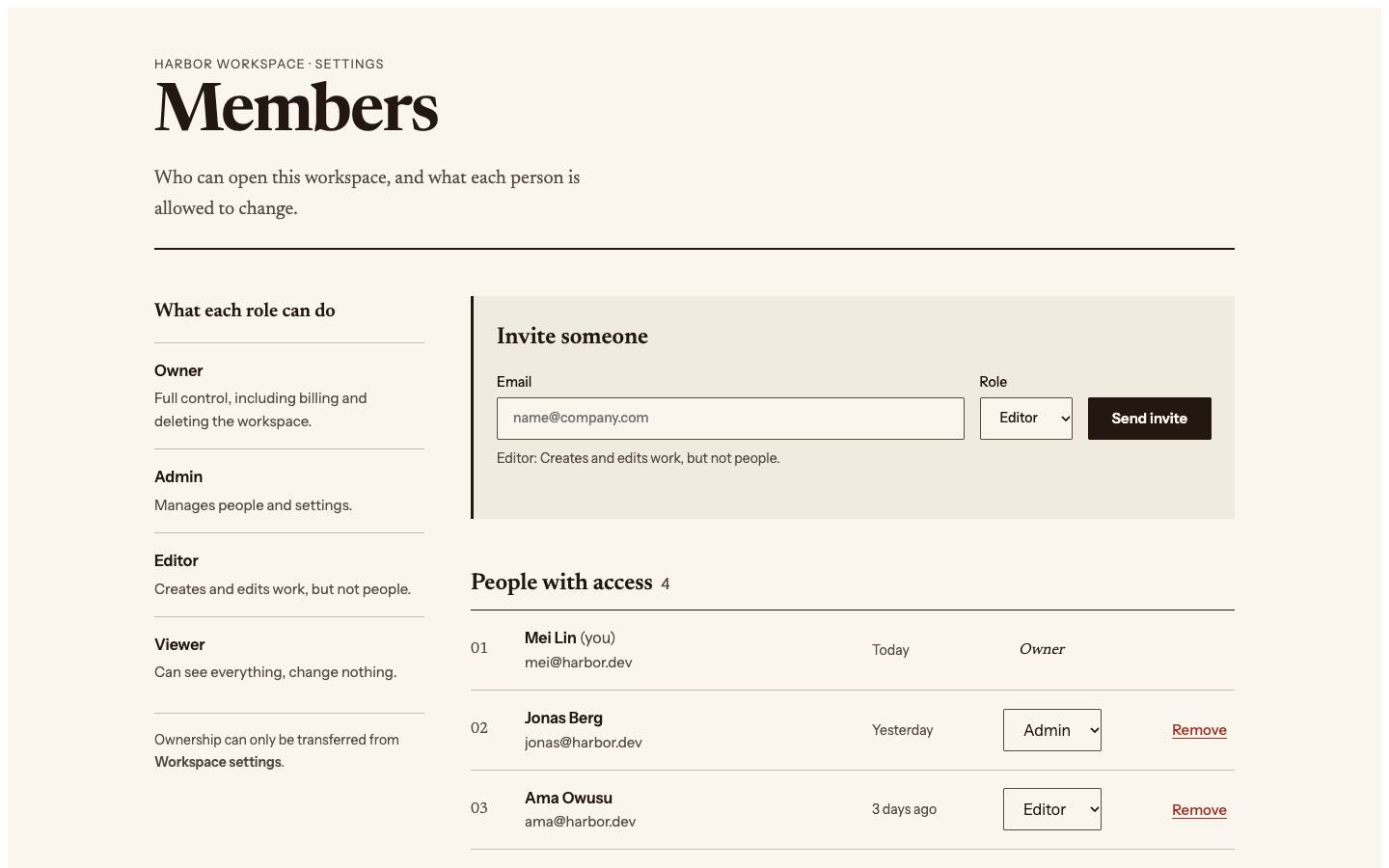
One members page, leading with the consequences of a change, bulk speed, or inviting and onboarding.
Made with the skill · verified By Variant Design · 2026-10-27
Redesign the members page of a small-team workspace: invite, change roles, remove members, revoke invites.
Install the skill, then paste this into the agent in your project. It reads the card, then makes three versions with your own brand and data. Install →
The direction notes and recommendation match the skill’s recorded output word for word. View the output record ↗
ABCoffscript: one brand, three personalitiesOne independent creative studio, introduced in an editorial, an unconventional and a future-facing voice.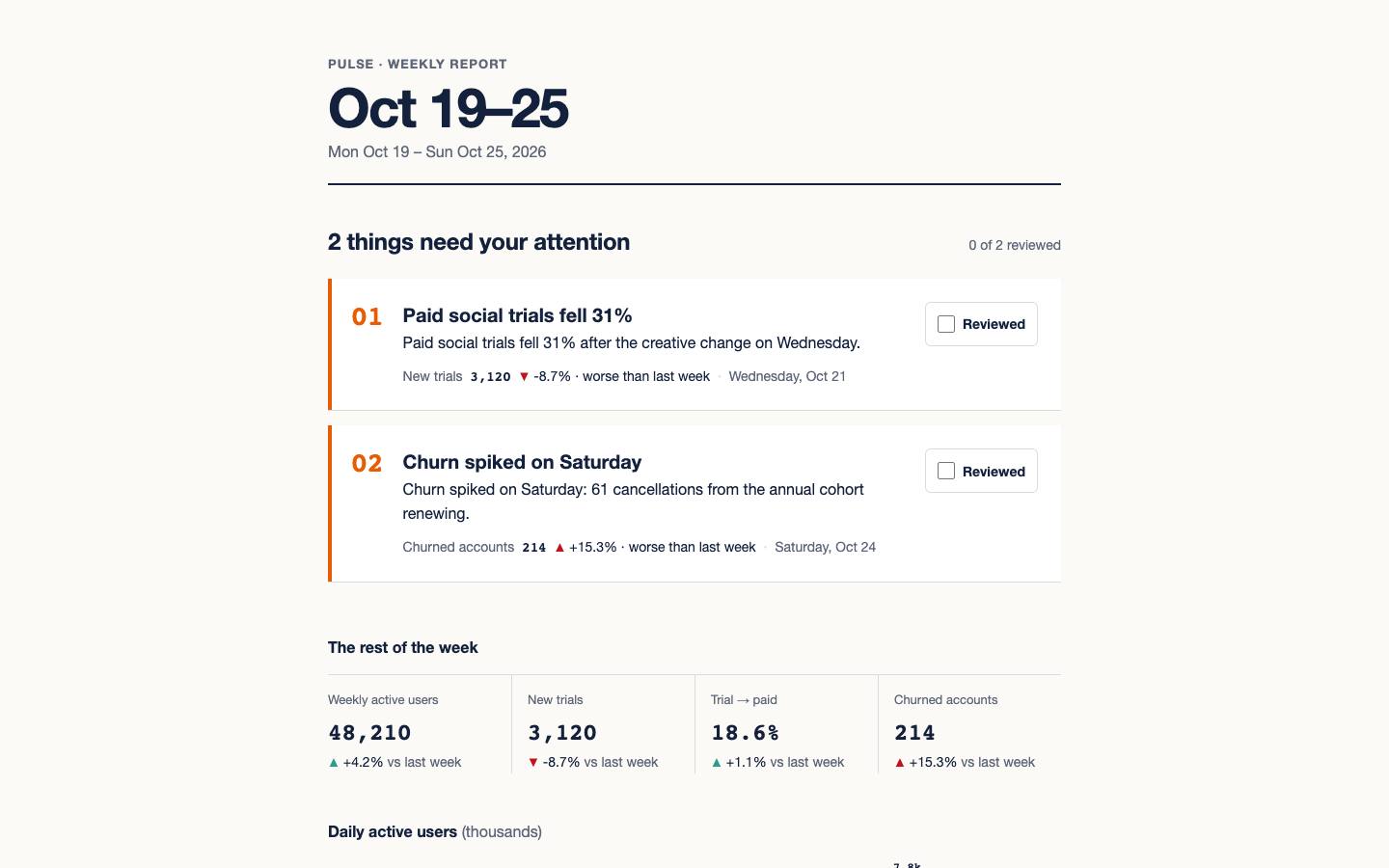 A
 B
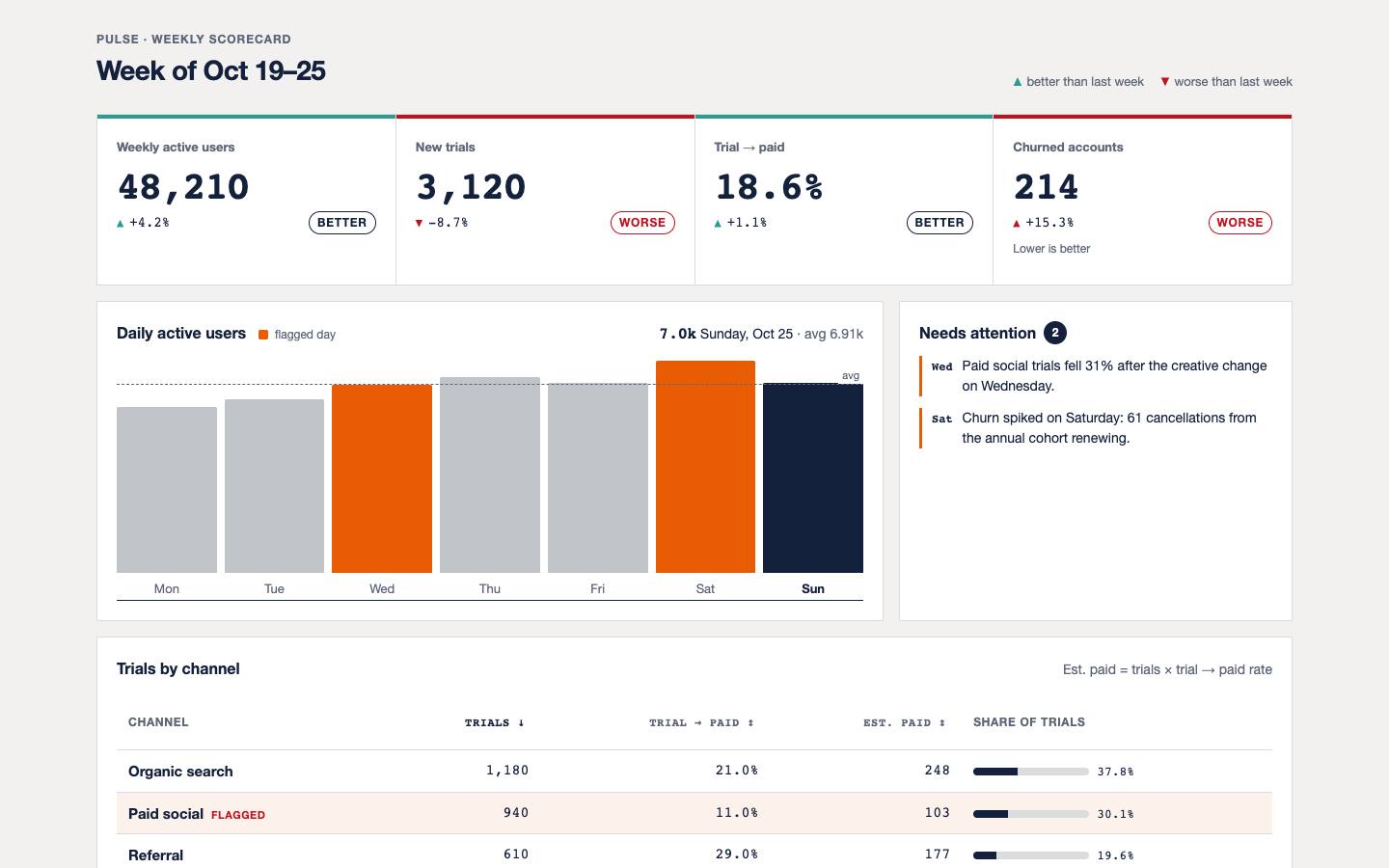
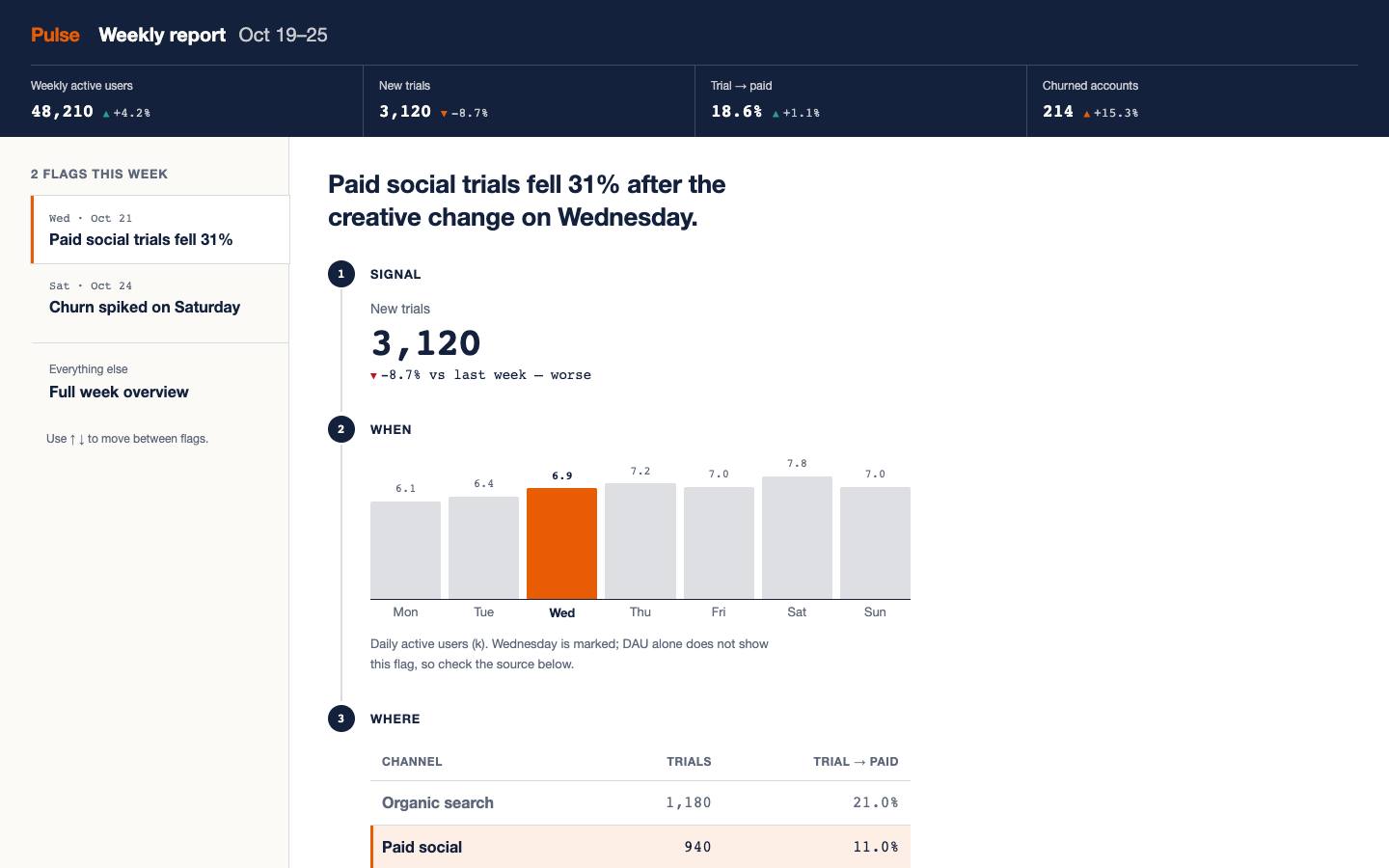 CPulse: three ways to read a weekly reportThe same week of data under a locked brand, leading with what to act on, a side-by-side comparison, or tracing why.
 B
 A
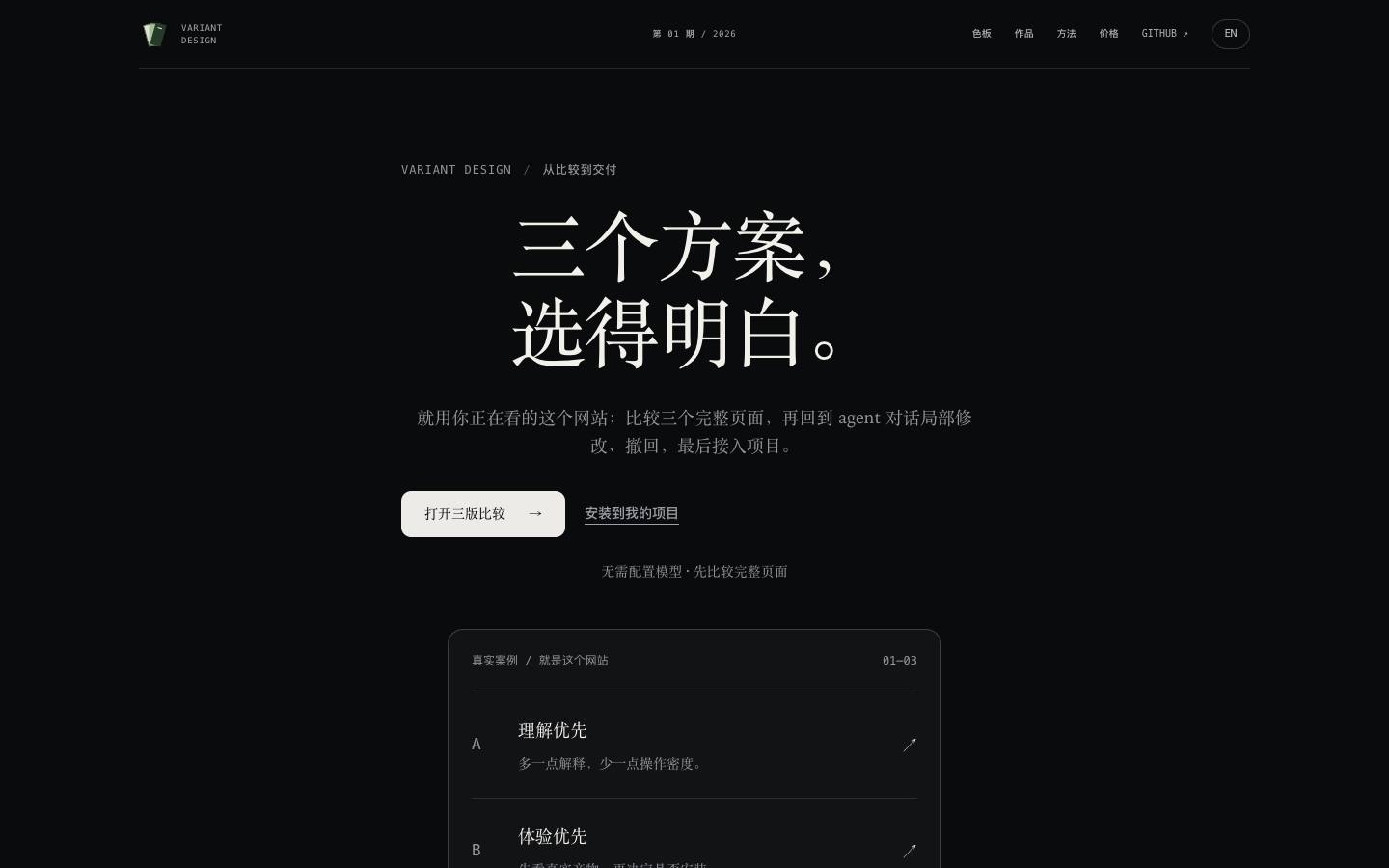
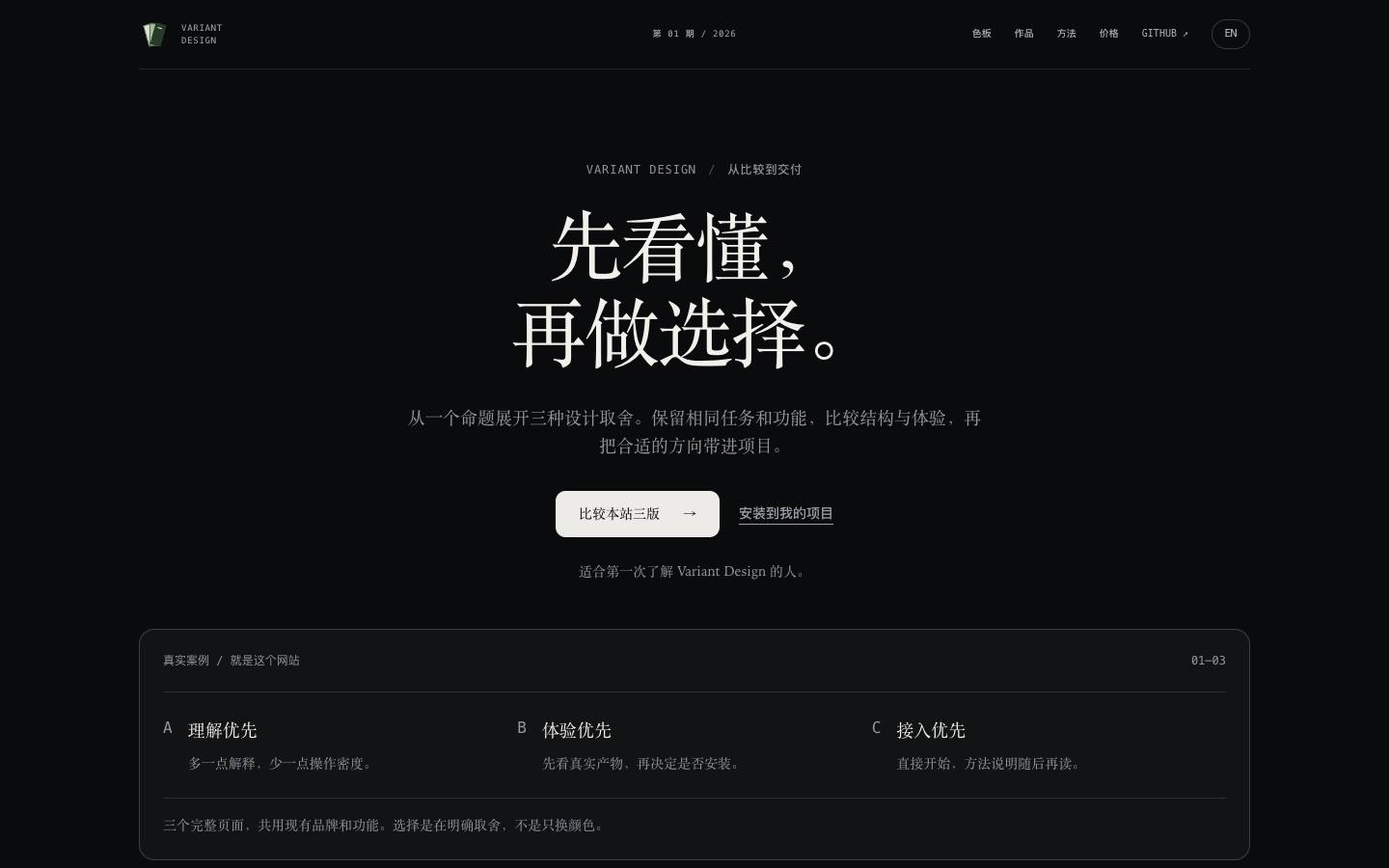
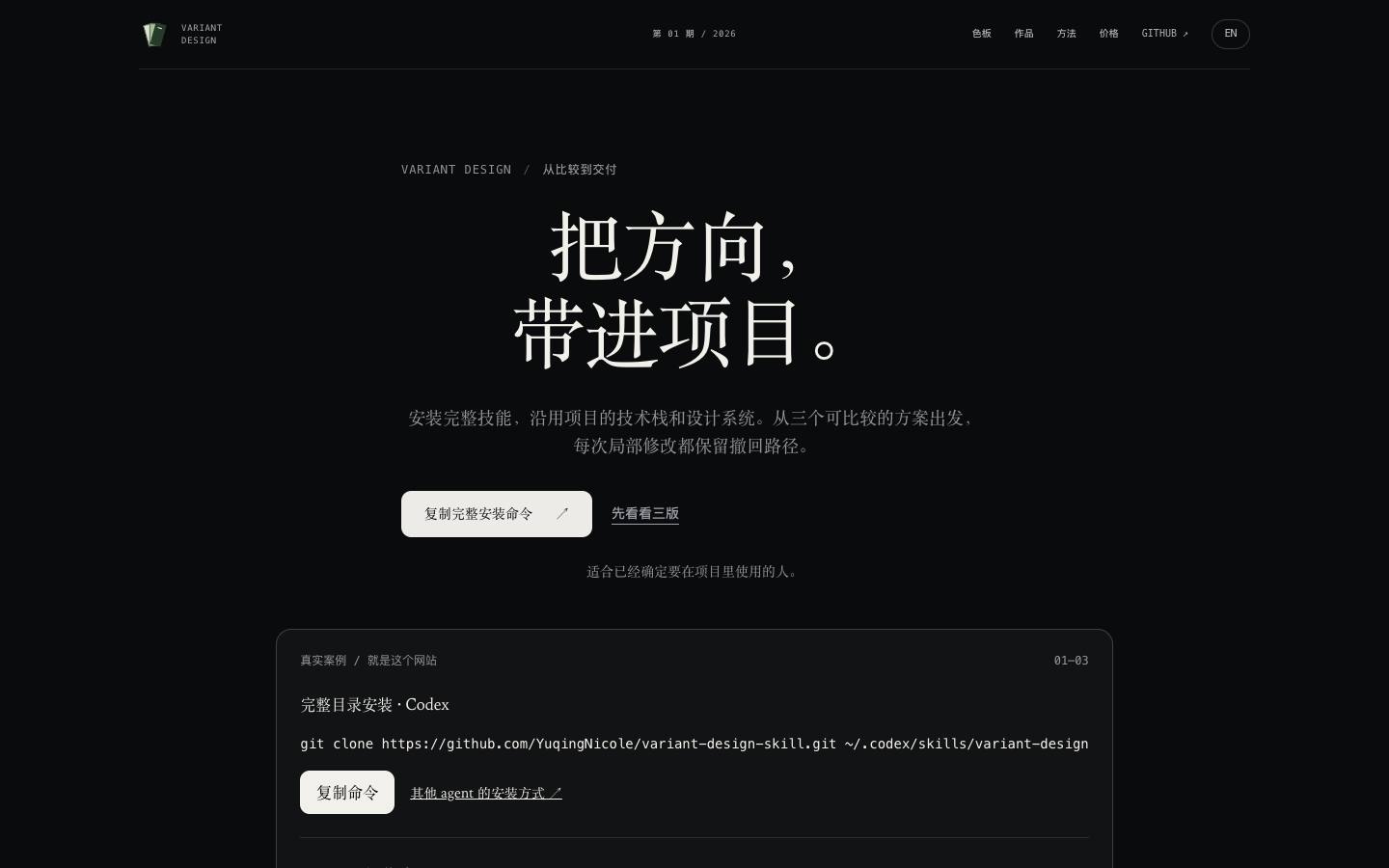 CThe Variant Design site: three ways inOne site and one set of content, leading with understanding, trying or installing.